Free interactive demo maker Turn screenshots into a click-through product tour
Free · No sign-up · No watermark
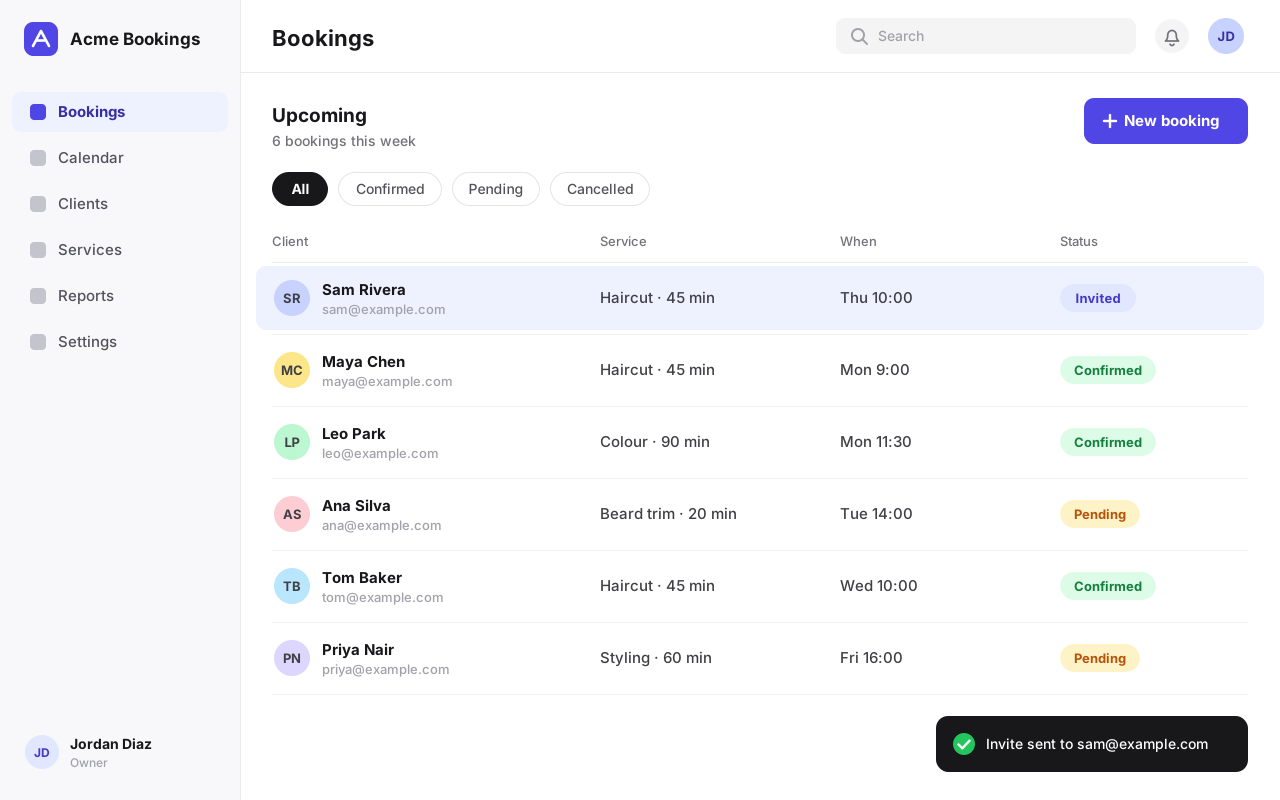
This is a real demo. Click the dot.
How to make an interactive demo
-
Add screenshots
Drop or paste them in.
-
Click where to click
Then write a short hint.
-
Share the link
Or embed it on your site.
Everything an interactive product demo needs
-
Hotspots and hints
A pulsing dot shows where to click. The hint sits on the side with room.
-
Next-button steps
For a screen that shows a result, viewers read the hint and press Next.
-
Start and end screens
Open with a title card and finish on your own button, like a free trial.
-
Your brand colour
One colour for the dot, the buttons and the progress bar.
-
Keyboard and screen readers
Arrow keys move through the demo, and every hotspot is a real button.
-
Open it again to edit
Drop an exported ZIP back into the editor. Nothing is locked away.
Also: undo and redo, drag to reorder, replace a screenshot, a progress bar, phone-friendly hints and up to 40 steps per demo.
Interactive demo vs video
Video
- People watch
- Most skip or leave halfway
- Re-record when the product changes
Interactive demo
- People click, like the real product
- At their own pace, to the end
- Swap one screenshot when it changes
Blur private data before you share
Baked into the picture. The original never leaves your browser.
A free alternative to Arcade, Supademo and Storylane
Their free plans stop at one to five demos, and paid plans cost $38 to $50 a month per seat.
See the full comparison- Demo Maker
- Supademo
- Arcade
- Storylane
- Navattic
Interactive demo maker FAQ
Is Demo Maker really free?
Yes. Every feature is free, with no trial, no paid tier, no limit on the number of demos and no watermark. It is built by Dplooy, a website host, as a free tool.
Do I need to sign up or create an account?
No. Open the editor and add your screenshots. There is no account, no login and no email address to hand over.
What is an interactive demo?
A click-through copy of your product made from screenshots. Each screen shows a glowing dot where the viewer should click and a short hint. They click, the next screen appears, and a minute later they have used your product without signing up.
How do I make an interactive product demo from screenshots?
Take a screenshot of each step of your product's flow, drop them into the editor, click where the viewer should click on each one and write a short hint. Then export the ZIP and put it online. The step-by-step guide has tips for each part.
What is the difference between an interactive demo and a video?
A video plays at the viewer; an interactive demo is clicked by the viewer. They move at their own pace, they can go back a step, and when your product changes you replace one screenshot instead of recording again.
Where are my demos saved?
In your own browser, on your device. Demos autosave as you work and are still there when you come back in the same browser. The exported ZIP is your copy: open it in the editor again on any computer to keep editing.
How do I host my interactive demo?
The export is a plain website, so any web host works. On Dplooy, drop the ZIP on the dashboard and choose ZIP to site: you get an address like your-demo.dplooy.com. GitHub Pages, Netlify, Cloudflare Pages or your own server work too.
Can I embed the demo on my website?
Yes. Put the demo online, then paste the two lines from the export dialog wherever your site accepts HTML with scripts: a Custom HTML block in WordPress, a Code Embed in Webflow or a Code Block in Squarespace. Some site builders allow scripts only on paid plans. See how to embed an interactive demo.
Does the demo work on phones?
Yes. The demo fits any screen, and on a phone the hint moves under the screenshot so it never covers it. You can also make demos of a mobile app from phone screenshots.
Does it record my screen or my clicks?
No — you bring the screenshots and click where each hotspot goes, which takes a few seconds per step. Nothing is recorded, installed or uploaded.
How is it different from Arcade, Supademo or Storylane?
Those platforms record your clicks with a browser extension and add viewer analytics and team features, and their free plans allow only a few published demos. Demo Maker is free with no account and no demo limit: you place the hotspots yourself, and you get the demo as files you own and can host anywhere. See the full comparison with prices.
How many steps can a demo have?
Up to 40. Most good demos have five to ten: one screen per action, from the first click to the result. PNG, JPG, WebP, GIF and SVG screenshots all work.